

Blackmagic adds Apple Watch control to iPhone camera app
Fri, 17th Apr 2026
Blackmagic Design has released version 3.3 of its Blackmagic Camera app for iOS, adding Apple Watch control for users operating an iPhone camera remotely.
The update also introduces ATEM camera control, allowing iPhones to be used as live studio cameras when connected through Blackmagic Camera ProDock.
The new Apple Watch companion app lets users start and stop recording, monitor framing and audio levels, and adjust settings from the watch. It is designed for situations where an iPhone is mounted out of reach or where touching the device could cause camera shake.
Users can also change lenses, control zoom, and adjust settings including exposure, focus and LUTs from their wrist. The watch app is installed through the Watch app on iPhone.
Studio use
Another part of the update focuses on live production. When Blackmagic Camera ProDock is connected to an ATEM Mini switcher, video, tally and camera control are carried over a single HDMI cable.
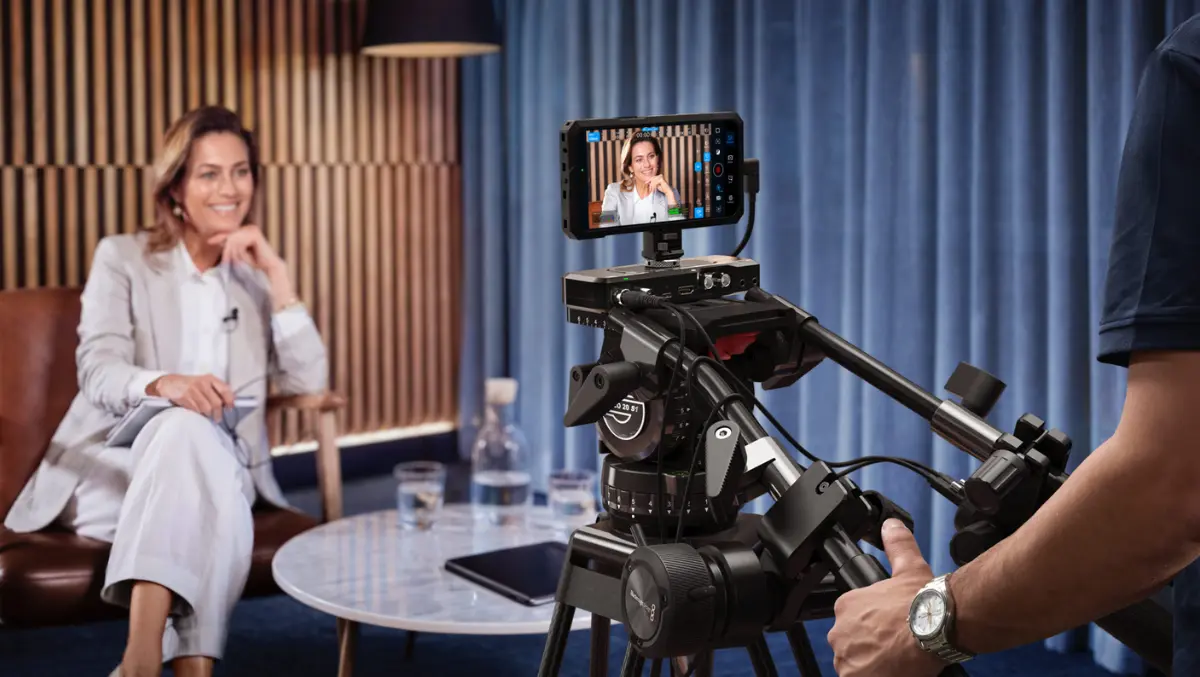
This setup lets operators adjust white balance, ISO and shutter remotely, and trigger recording through ATEM Software Control. The update also supports Blackmagic Focus and Zoom Demands through the ProDock, providing physical controls for tripod-mounted operation.
The Focus and Zoom Demands connect over USB-C and can be daisy-chained before linking to the ProDock through a single USB connection. The hardware also includes mounting support for tripod handles and programmable buttons for assigning camera functions.
The ATEM integration adds tally support and a built-in DaVinci primary colour corrector for camera matching and look adjustments during live production. For more advanced setups, the system also works with a dedicated ATEM Micro Camera Control panel.
Broader update
Alongside the headline additions, Blackmagic Camera for iOS 3.3 includes full-screen portrait mode HDMI output, support for portrait and landscape use on the front camera without rotation for iPhone 17, and support for ProRes RAW stabilisation in iOS 26.1 and later. The release also includes general performance and stability improvements.
Blackmagic Camera is designed to bring manual camera controls and image processing tools to iPhones and iPads. It includes controls for frame rate, shutter angle, white balance and ISO, and can record and upload files of up to 4K to Blackmagic Cloud for editing in DaVinci Resolve workflows.
The app is available as a free download from Apple's App Store, keeping it accessible to independent creators as well as production teams looking to use consumer devices in professional filming and live production environments.
Grant Petty, Chief Executive Officer of Blackmagic Design, said the company sees the iPhone as a production tool that can be used in more ways than a standard handheld camera.
"We really want to help everyone use their iPhones in professional productions and to come up with new ways that the iPhone can be used," Petty said. "The Apple Watch companion app does that because it means you can mount an iPhone anywhere and still have full control of it from your wrist. But the most exciting feature is the brand new support for ATEM camera control and the Blackmagic Zoom Demand and the Focus Demand. This means you can use the iPhone as a studio camera while holding onto the tripod handles to focus and zoom. It's a real studio camera and it's a lot of fun!"